I have problems enlarging small images without losing quality.
Solved by AI Image Enlarger
The Problem
The challenge is to enlarge small images without losing image quality, especially when these images are needed for critical applications such as presentations, printing, or web applications. A standard enlargement would likely result in blurry edges, noisy colors, and a loss of overall details, making the enlarged image unusable. The situation becomes more complex when there is no high-resolution version of the desired image and the existing low-resolution version needs to be enlarged. It can be a challenge to find a tool that meets these requirements while also being simple and quick to use. Therefore, it is an urgent problem to find a reliable, high-quality, and straightforward tool that can enlarge small images without losing quality.
Screenshots
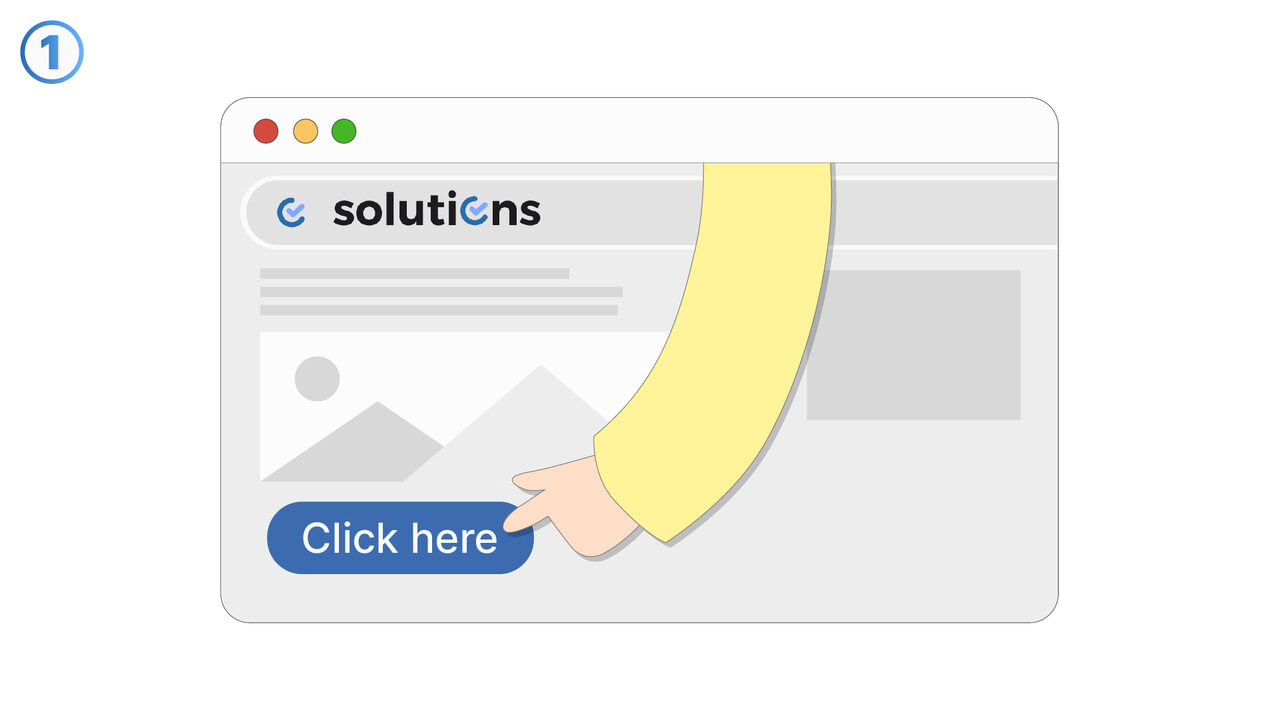
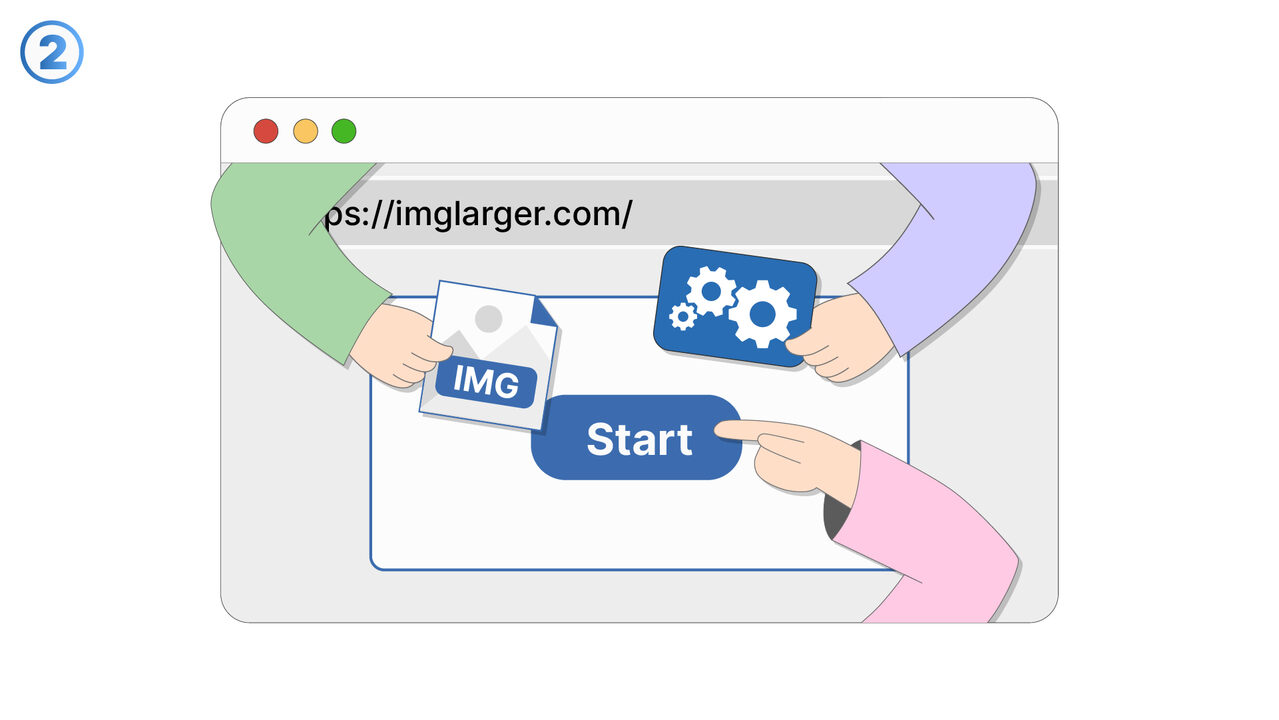
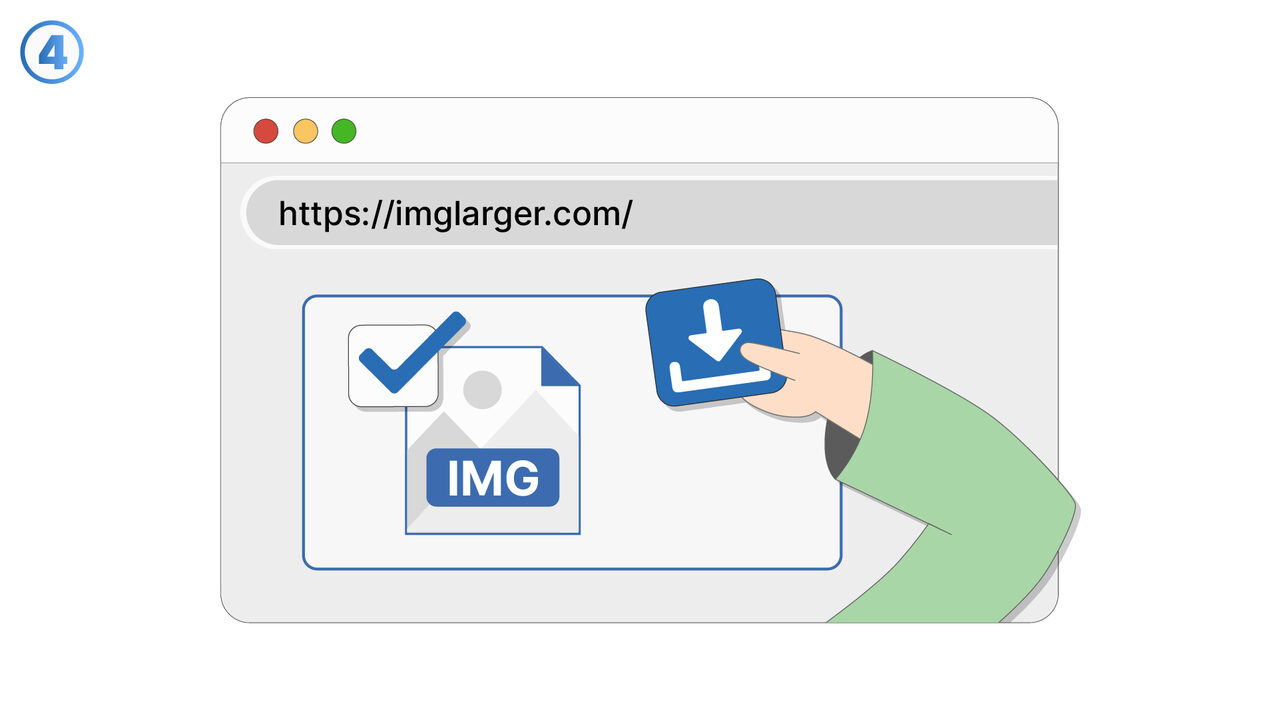
The Solution
AI Image Enlarger solves the problem of enlarging images without losing quality. It uses innovative machine learning methods to analyze the image, identify its key elements, and create a new, enlarged version that retains its sharpness and details. This means that even low-resolution images can be converted into print-ready, high-resolution images without blur or noise. With its user-friendly design, it is easy to use: upload your image, choose the desired magnification level, and let the tool do the work. This reliable, high-quality, and uncomplicated tool can also enlarge images without high-resolution versions. This makes AI Image Enlarger an essential tool for any application that requires image enlargement without compromising quality.
External Resource
https://imglarger.com/
Use this tool as a solution to the following problems
- I need to print a picture in high resolution, but it is only available in low quality.
- I need to enlarge an image for a presentation, without losing quality and detail accuracy.
- I have a great photo that I would like to use on my website, but it's too small and I want to increase the resolution without losing the original details.
- I need to enlarge a low-resolution image without losing its quality.
- I need to enlarge a low-resolution image without losing its quality.
- I need to enlarge old, low-resolution images and retain their original details.
- I need a tool to increase the resolution of my digital artworks without losing their quality.
- I need a tool to improve the quality and resolution of my online product images.
- I need a tool that can enlarge my low-resolution images without loss of quality.
Know a better solution? Let us know.
If you know of a tool or approach that could help people solve a problem we haven't covered yet, we'd love to hear about it.