PDF24 Tools|Create Job Application
PDF24 Tool allows you to create professional job application documents in PDF format. You can add sections, edit pages, and secure formatting without the need for software installation. It's easy-to-use, quick, and fully secure.
Overview
PDF24 Tools|Create Job Application
Use PDF24 Tools to create professional job application documents that stand out.
Convert your resume into PDF format to secure all formatting and design elements.
Moreover, add sections to your job application, such as a cover letter or certificates.
The tool allows you to create PDF files from text input or other files.
Additionally, add pages, delete pages or reorder them as needed.
You can use this tool on any device, PC, tablet, or smartphone with an internet connection.
It works directly from your browser and requires no software installation.
It's easy, quick, and fully secure with all data deleted after use.
Screenshots
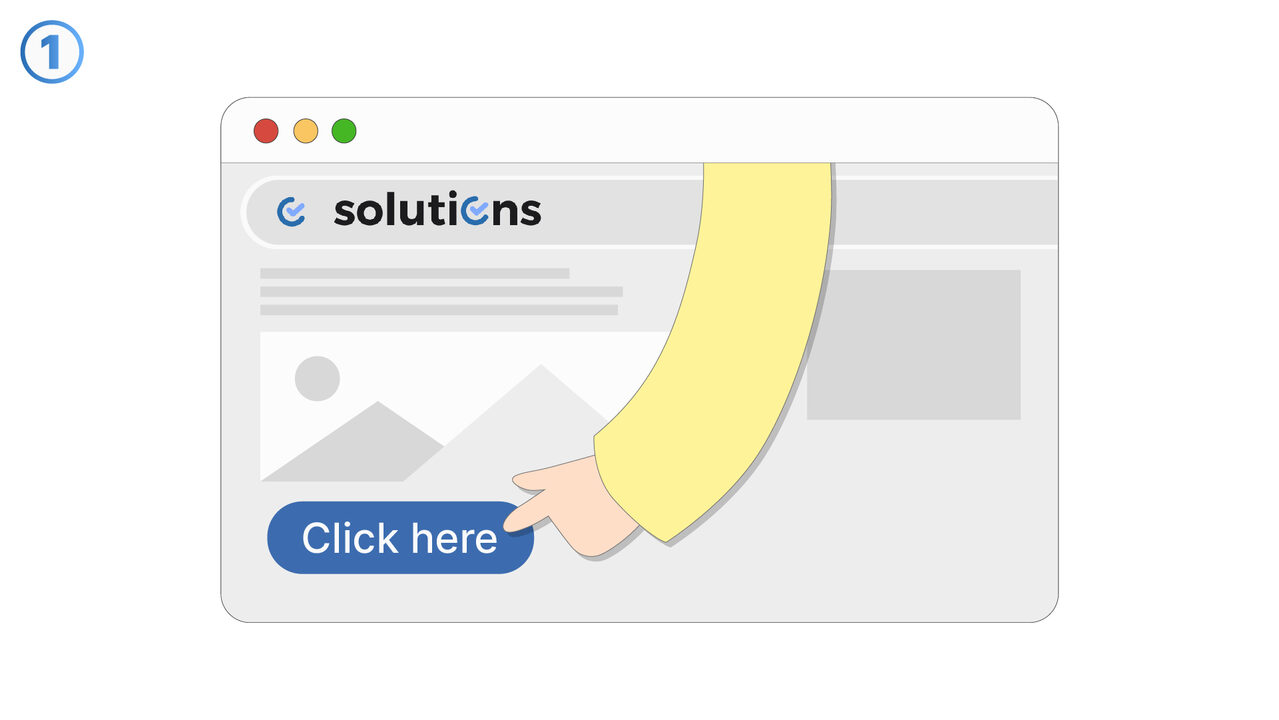
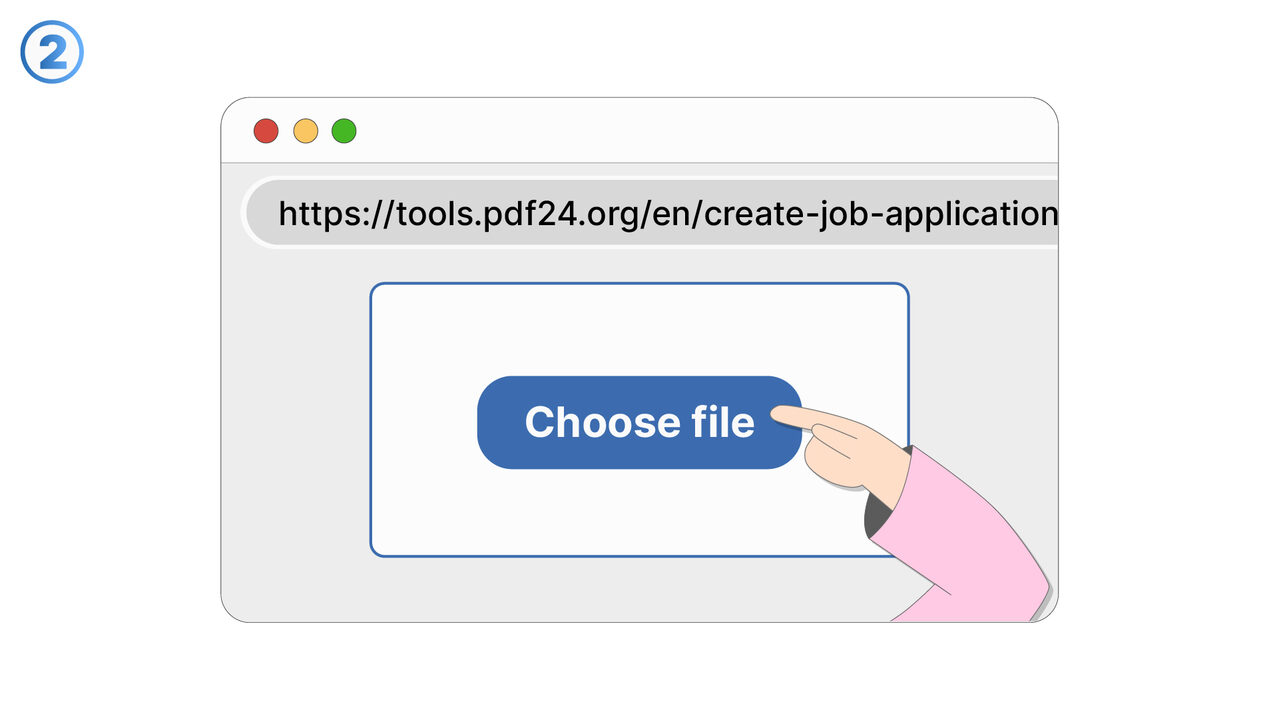
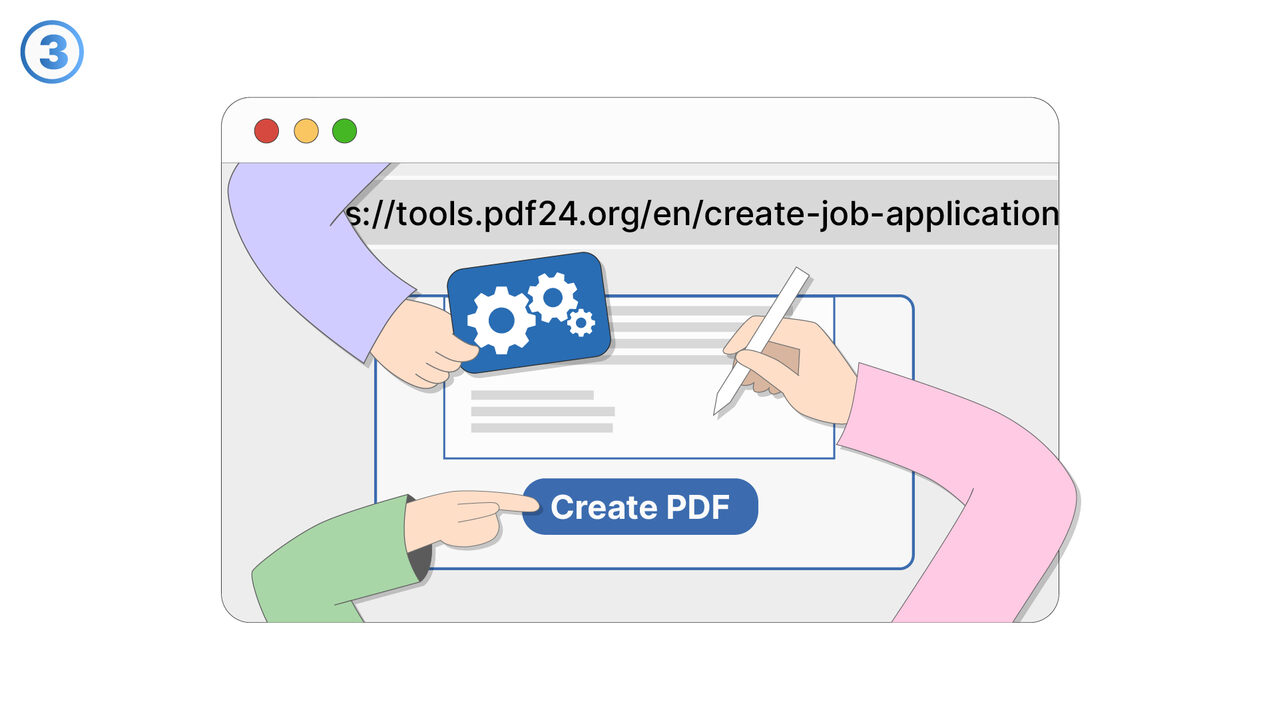
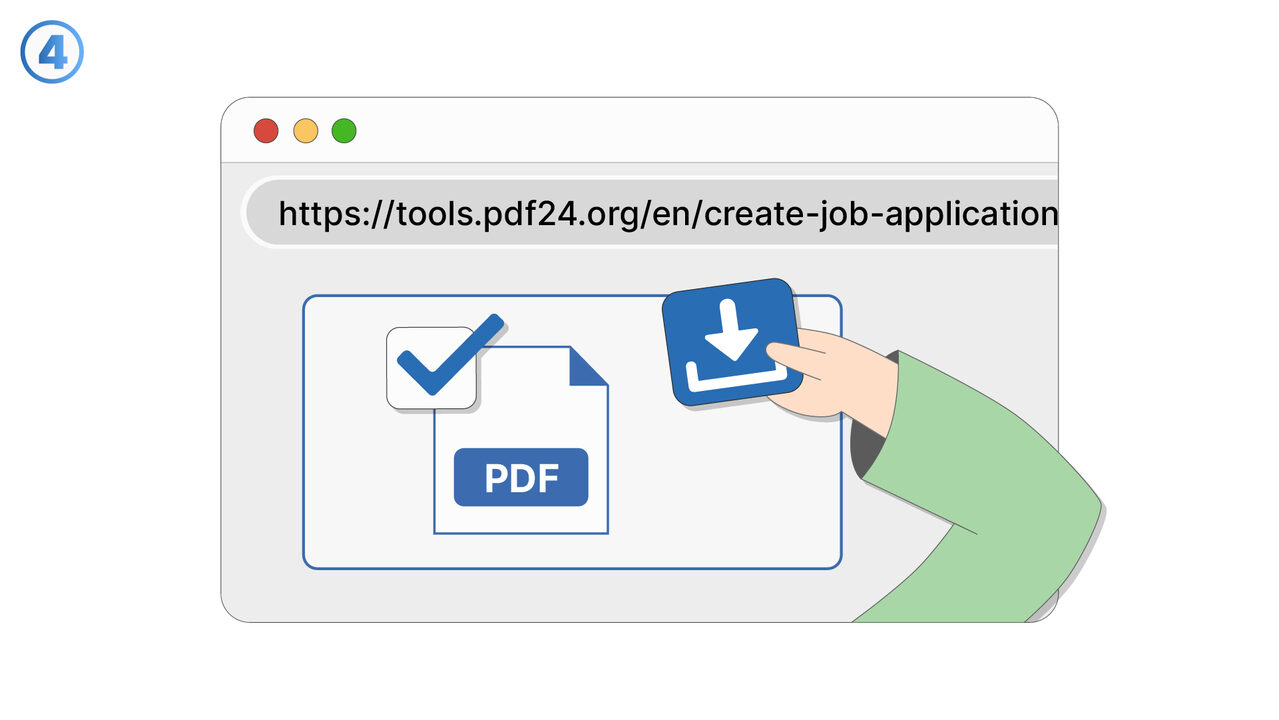
Link To Tool
Find the solution to your problem via the following link.
External Resource
https://tools.pdf24.org/en/create-job-application
Opens in a new tab — external site not affiliated with MangoByte
Use this tool as a solution to the following problems
- The formatting of my resume keeps changing when I open it on different devices.
- I have problems maintaining the design and format of my documents when sharing online or via email.
- I'm having trouble merging my application documents such as resume and cover letter into a single PDF file.
- I'm having trouble adding certificates to my PDF application.
- I need to rearrange pages in my application document.
- I need to convert my application documents into an accepted PDF format.
- I am having trouble deleting unnecessary pages from my application PDF.
- "I am looking for a tool that can convert my entire application, including resume and certificates, online into a professional PDF."
- I have trouble maintaining a consistent formatting for my application documents.
- I am looking for an online tool to create and format my resume and application without having to download any additional software.
Know a better solution? Let us know.
If you know of a tool or approach that could help people solve a problem we haven't covered yet, we'd love to hear about it.