I'm having trouble converting my Excel sheets to PDF.
Solved by PDF24 Creator
The Problem
I regularly work with Excel and often have to create and edit tables. However, I repeatedly encounter the problem of converting these Excel tables into PDF format. This process often proves difficult and the result is not always as expected. For example, problems arise with formatting and layout, which in the PDF version are often not identical to the original Excel table. Moreover, there is a lack of a reliable way to merge several Excel files and convert them into a single PDF file.
Screenshots
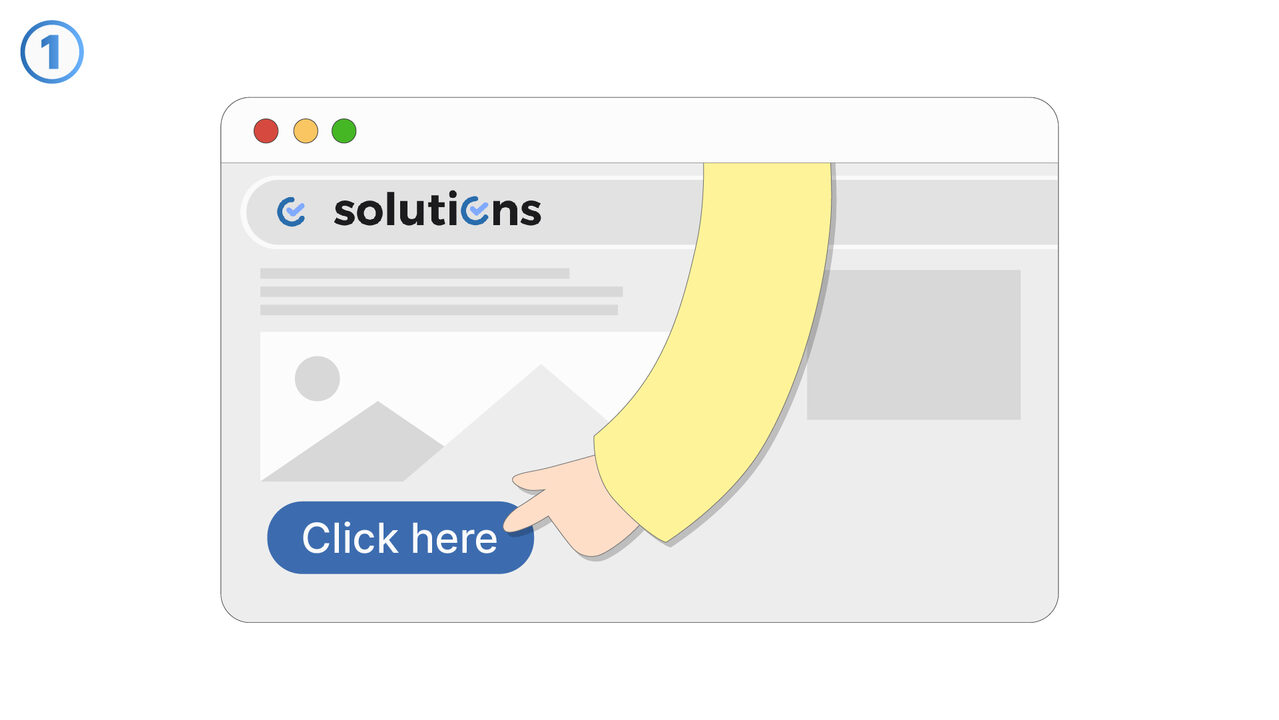

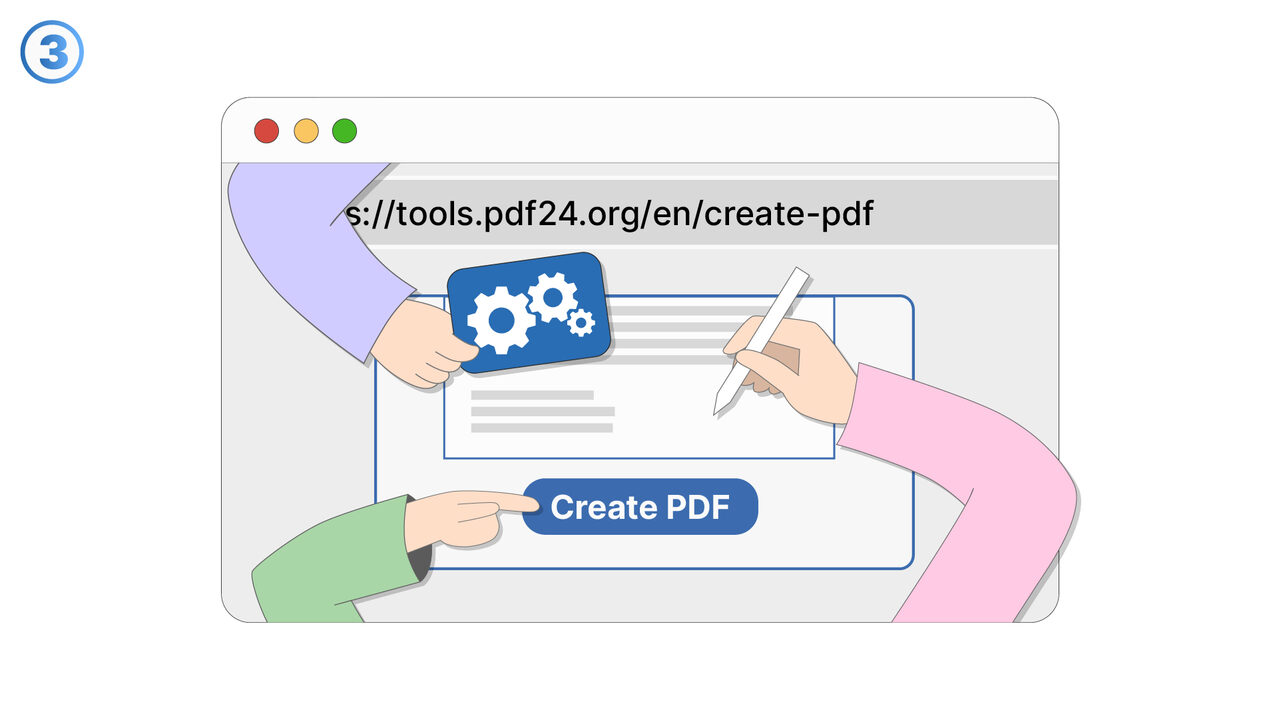

The Solution
With the PDF24 Creator, you can easily convert your Excel spreadsheets into PDF files. This tool can accurately maintain the layout and formatting of your Excel table and incorporate it into the PDF. Additionally, with the PDF24 Creator, you have the ability to merge multiple Excel files and save them in a single PDF file. This greatly simplifies both the handling and sharing of your tables. Security is also not compromised: the built-in encryption and password protection functions ensure your created PDF files are always protected from unauthorized access. Thus, the PDF24 Creator is the ideal solution to your problems, making your work life significantly easier.
External Resource
https://tools.pdf24.org/en/create-pdf
Use this tool as a solution to the following problems
- I need a simple and reliable solution for converting my Word documents to PDF.
- I am having trouble merging multiple files into a single PDF.
- 'I am having trouble maintaining the original layout when converting it into a PDF.'
- I need a program to secure a PDF document with password protection.
- I need a tool to encrypt my PDF files.
- I am having trouble converting a PowerPoint presentation into a PDF file.
- I need a reliable method to convert HTML pages into PDF.
- I need a way to reduce the size of my files by converting them into PDF.
- I struggle with converting image files into PDF formats.
Know a better solution? Let us know.
If you know of a tool or approach that could help people solve a problem we haven't covered yet, we'd love to hear about it.