Extract PDF Pages Tool
Extract PDF Pages Tool lets you select and detach specific pages from your PDF files online. It's user-friendly, requires no software installation, and maintains the quality of your extracted content.
Overview
Extract PDF Pages Tool
The Extract PDF Pages tool is a handy utility focused on providing a simple, efficient means for users to extract specific pages from their PDF files.
This online tool proves invaluable when you wish to segregate certain pieces of information stored within a comprehensive PDF file for separate use.
No need for standalone software installation or advanced technical skills, this tool simplifies the task of PDF page extraction.
Whether you are a student extracting content for a thesis or a professional compiling specific info from various reports, this tool meets your needs perfectly.
With its user-friendly interface, you can select and extract pages without compromising the original file's quality.
All extracted content remains intact, ensuring no loss of valuable information when you perform the extraction.
So if you're stuck with a massive PDF and only need a few pages, make use of PDF24's Extract PDF Pages tool.
Screenshots
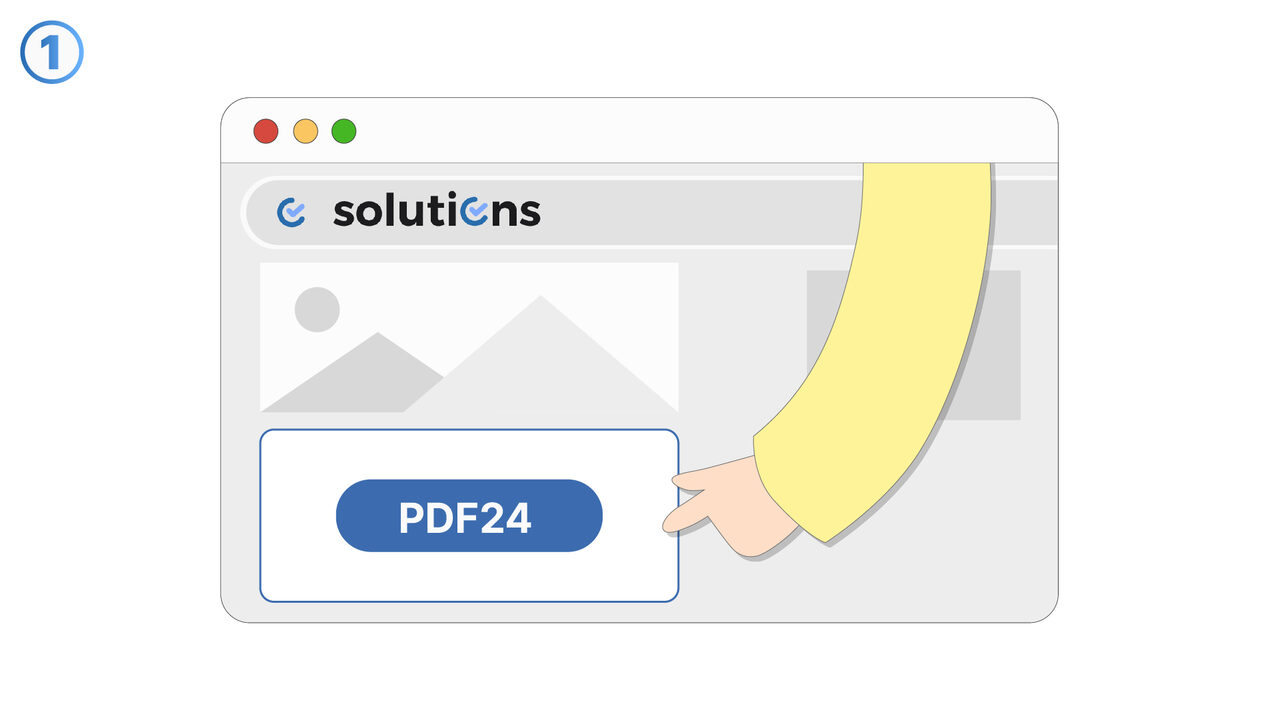
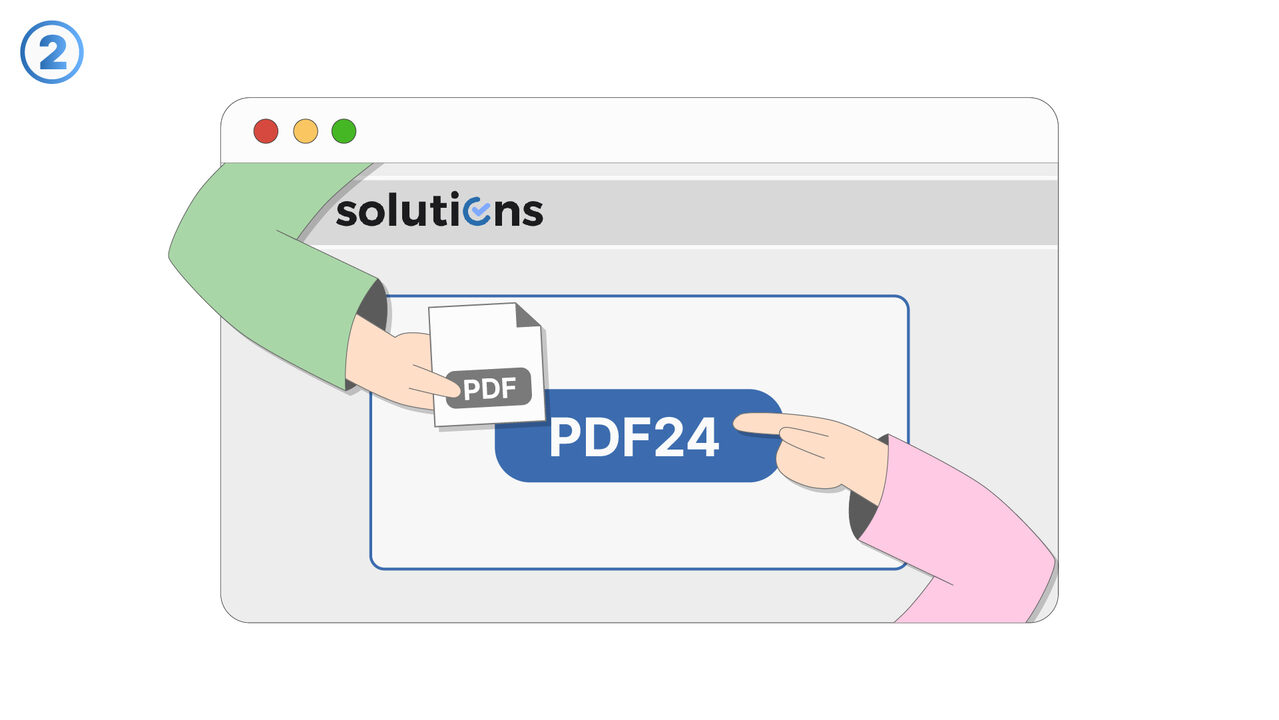
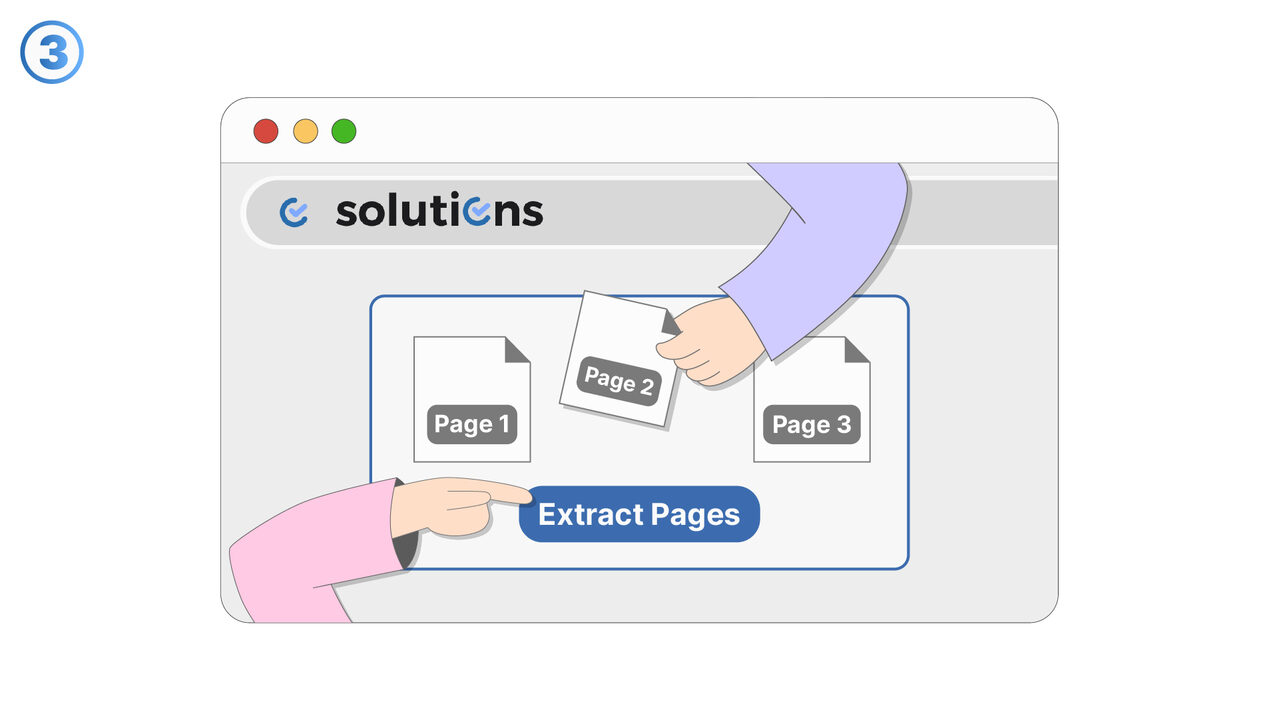
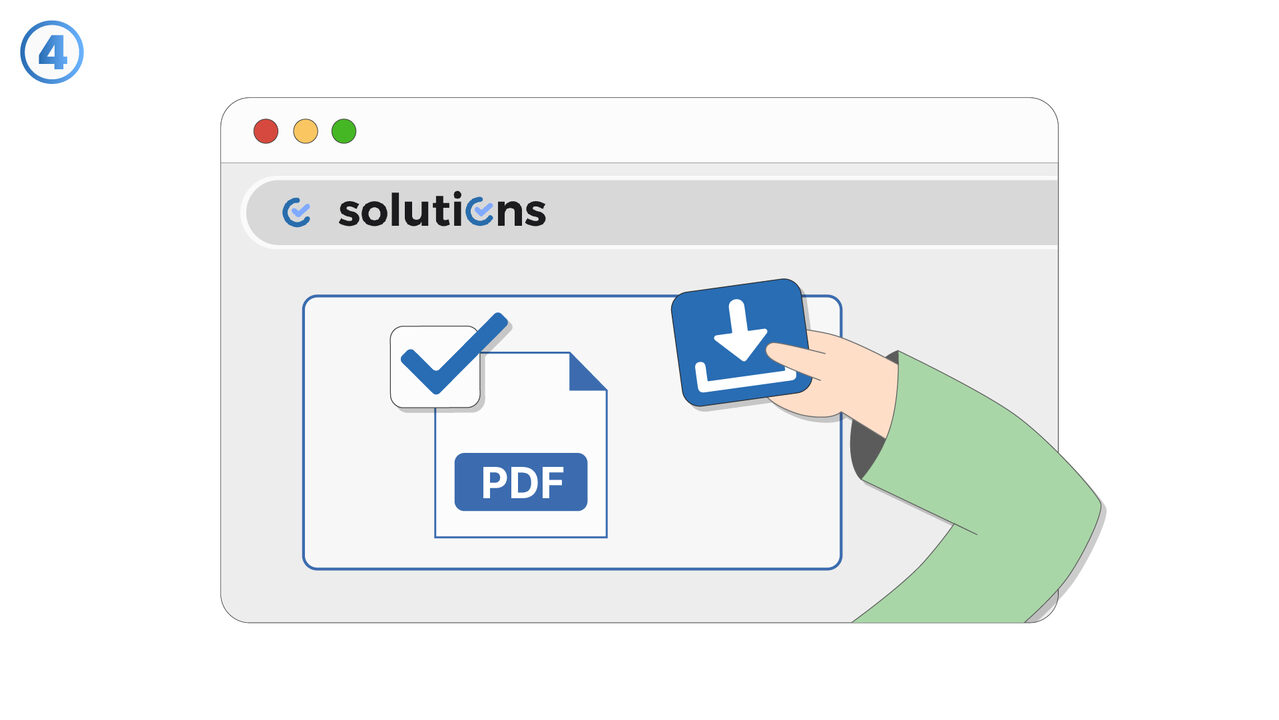
Try it
Link To Tool
Find the solution to your problem via the following link.
External Resource
https://tools.pdf24.org/en/extract-pdf-pages
Opens in a new tab — external site not affiliated with MangoByte
Use this tool as a solution to the following problems
- I'm having trouble extracting specific pages from a PDF file.
- When extracting individual pages from my PDF file, I worry about losing data.
- I have problems processing very large PDF files with my current extraction tool.
- I need software to extract specific pages from my extensive PDF files without affecting the quality of the original file.
- I'm having trouble with the time it takes to extract individual pages from my PDF files.
- I'm having trouble extracting specific pages from my extensive PDF file.
- I need a way to extract specific pages from my PDF files without losing the quality of the original file.
- I am having trouble getting started with using the tool for extracting PDF pages.
- I am having trouble extracting certain pages from my PDF file without causing unwanted changes to the original file.
- I'm having trouble downloading and sharing extracted pages from my PDF.
Know a better solution? Let us know.
If you know of a tool or approach that could help people solve a problem we haven't covered yet, we'd love to hear about it.