
I’m archiving documents and want a fixed representation that won’t change over time or across software updates.
Solved by Flatten PDF
The Problem
Provide an archival-ready, fixed representation of a document so its appearance and content remain consistent over time. This helps ensure reliable long-term retention, sharing, and retrieval without unexpected changes caused by software updates or different viewing environments.
Screenshots
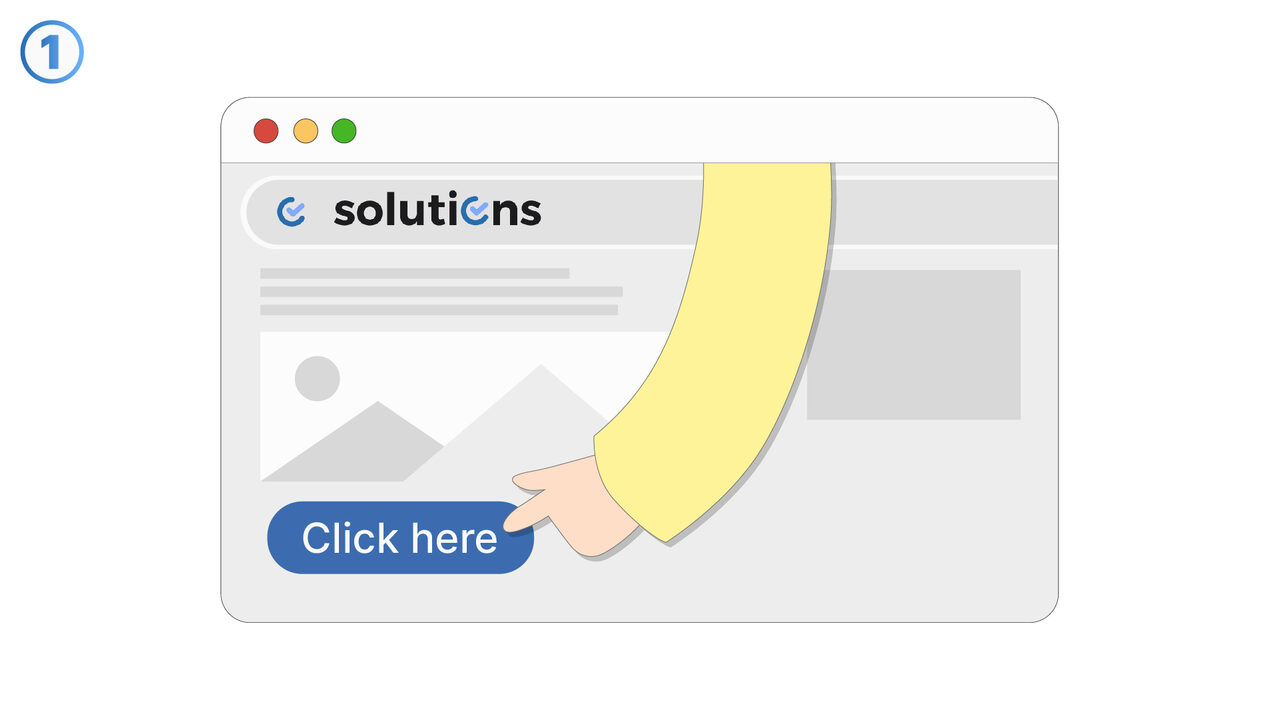
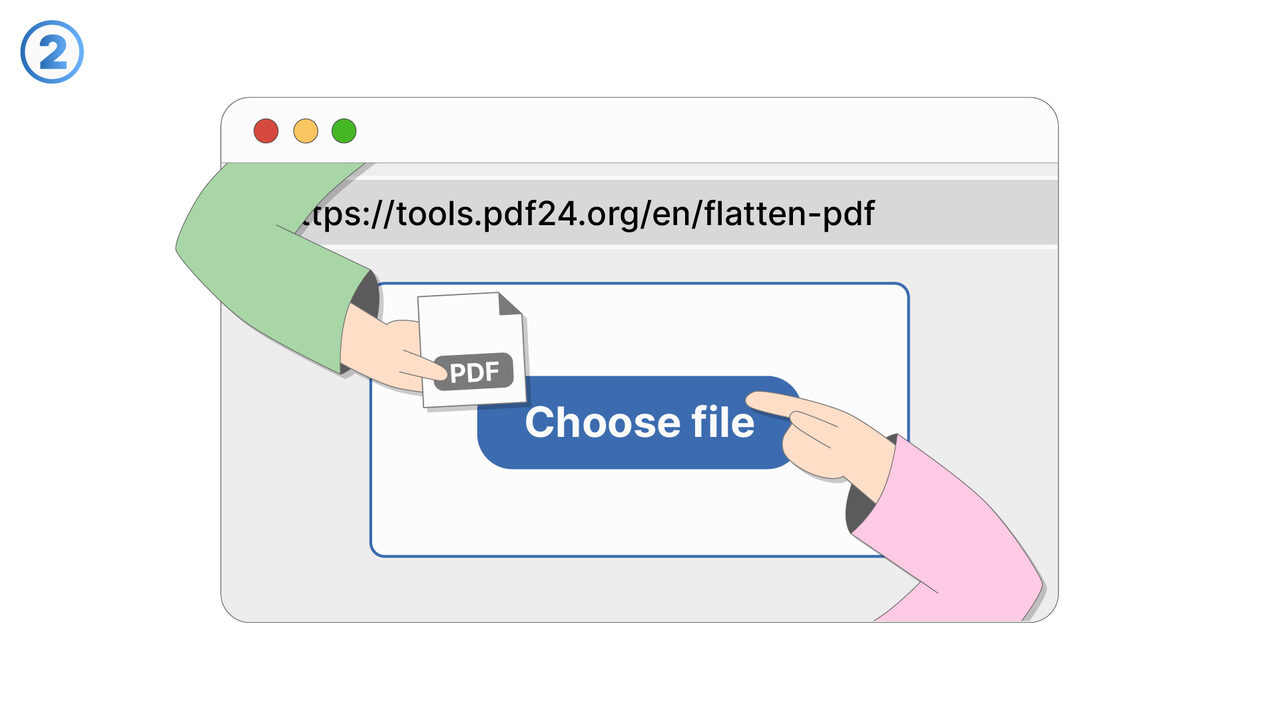
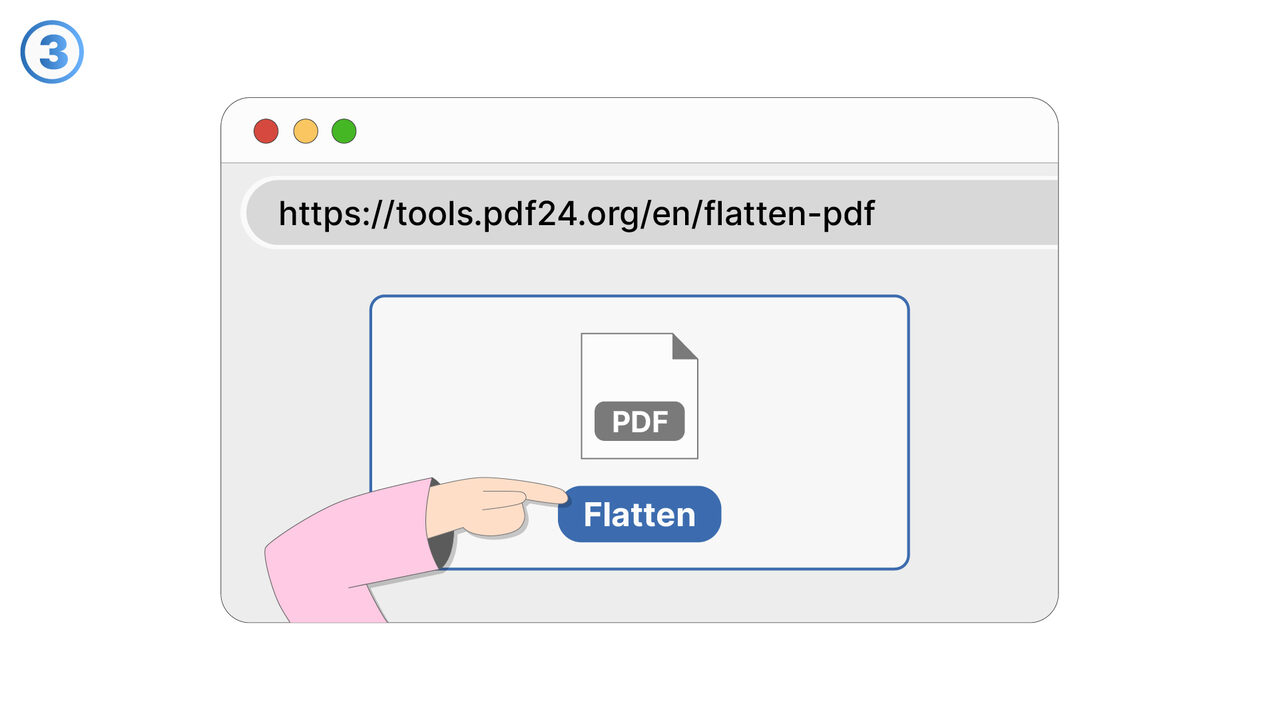
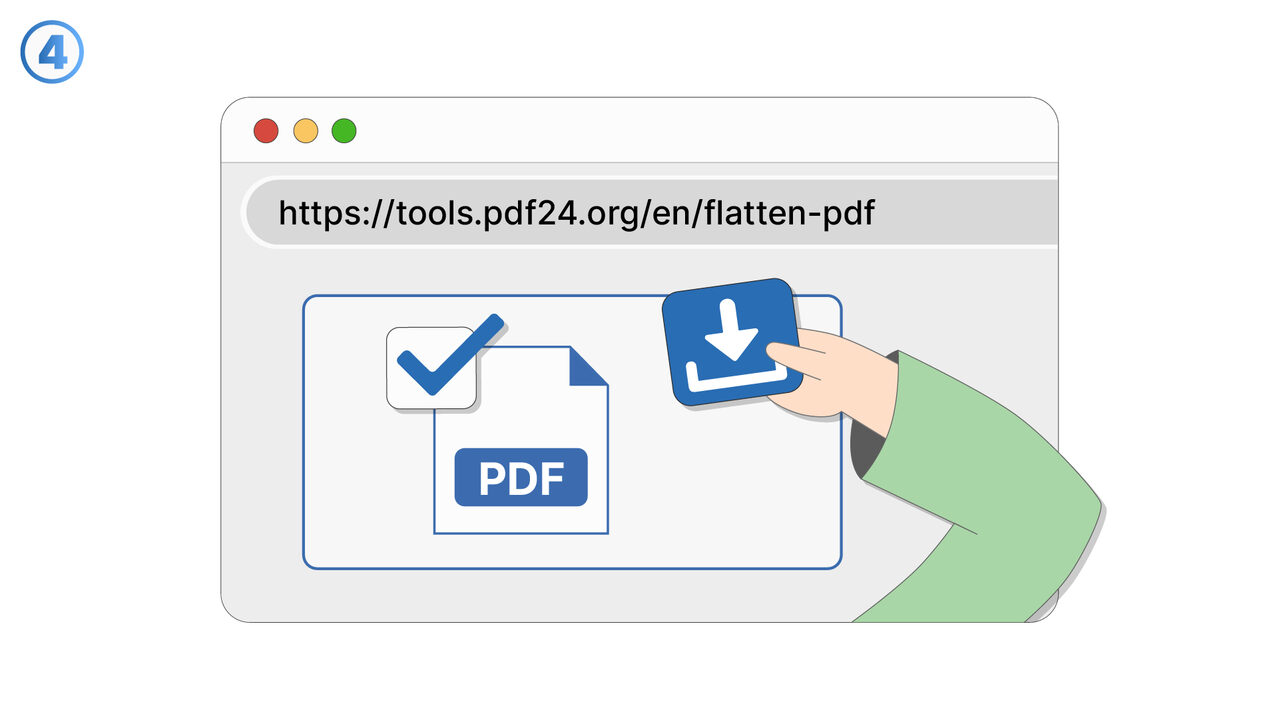
Try it
The Solution
This feature supports document archiving by producing a fixed representation designed to stay consistent over time and across software versions. It is intended for scenarios where the document must look and read the same in the future as it does today. The fixed representation helps reduce variability introduced by different applications, operating systems, or rendering engines. It also supports consistent review and auditing by keeping layout and content stable. Users can rely on the archived output when storing records for compliance, legal retention, or institutional memory. It is especially useful when documents may be accessed years later, by different teams, or on different devices. The feature focuses on preserving a stable viewing and reading experience rather than allowing ongoing edits. It can be used for finalized reports, signed paperwork, policies, invoices, and other records that must not drift over time. By standardizing how the document is represented, it helps prevent formatting shifts, missing elements, or altered pagination. Overall, it improves confidence that archived documents remain dependable and reproducible whenever they are retrieved.
External Resource
https://cross-service-solutions.com/
Use this tool as a solution to the following problems
- I need to send a PDF, but I don’t want recipients to edit the form fields or change the content.
- I’m seeing different results in different PDF viewers, and I need the document to look the same everywhere.
- I have a PDF with scripts or active elements that cause errors, and I need a stable version for sharing.
- I want to remove annotations and markup before distributing a finalized copy to clients.
- I’m submitting a PDF to a system that rejects interactive PDFs, and I need a compatible file.
- I need a PDF that prints reliably without unexpected pop-ups, field highlights, or viewer-specific behavior.
- I need to prevent accidental edits to filled-in forms after they’ve been completed and approved.
- I want to eliminate active elements that could interfere with review, approval, or downstream processing.
Know a better solution? Let us know.
If you know of a tool or approach that could help people solve a problem we haven't covered yet, we'd love to hear about it.