I want to get to know the new Windows 11 without having to install it directly.
Solved by Windows 11
The Problem
Many users are interested in the new operating system Windows 11, but do not want to commit to installation immediately, as they first want to get an impression of the user interface and the new features. Despite their interest, there is often hesitation or uncertainty about transitioning to new software. The installation of a new system can be time-consuming and potentially lead to complications if the new system does not meet expectations. Additionally, it can be problematic to uninstall software if it does not meet individual expectations and requirements. Therefore, there is a need for a way to get to know and try out Windows 11 without having to commit to a binding installation.
Screenshots
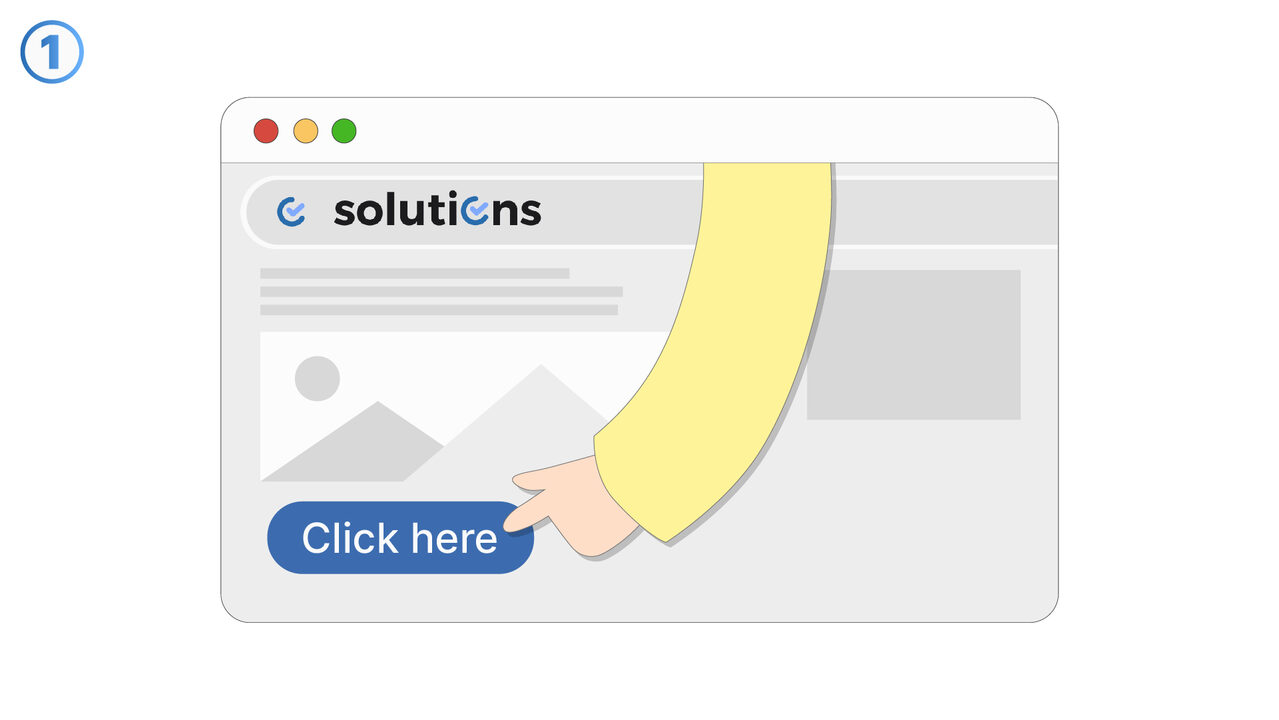
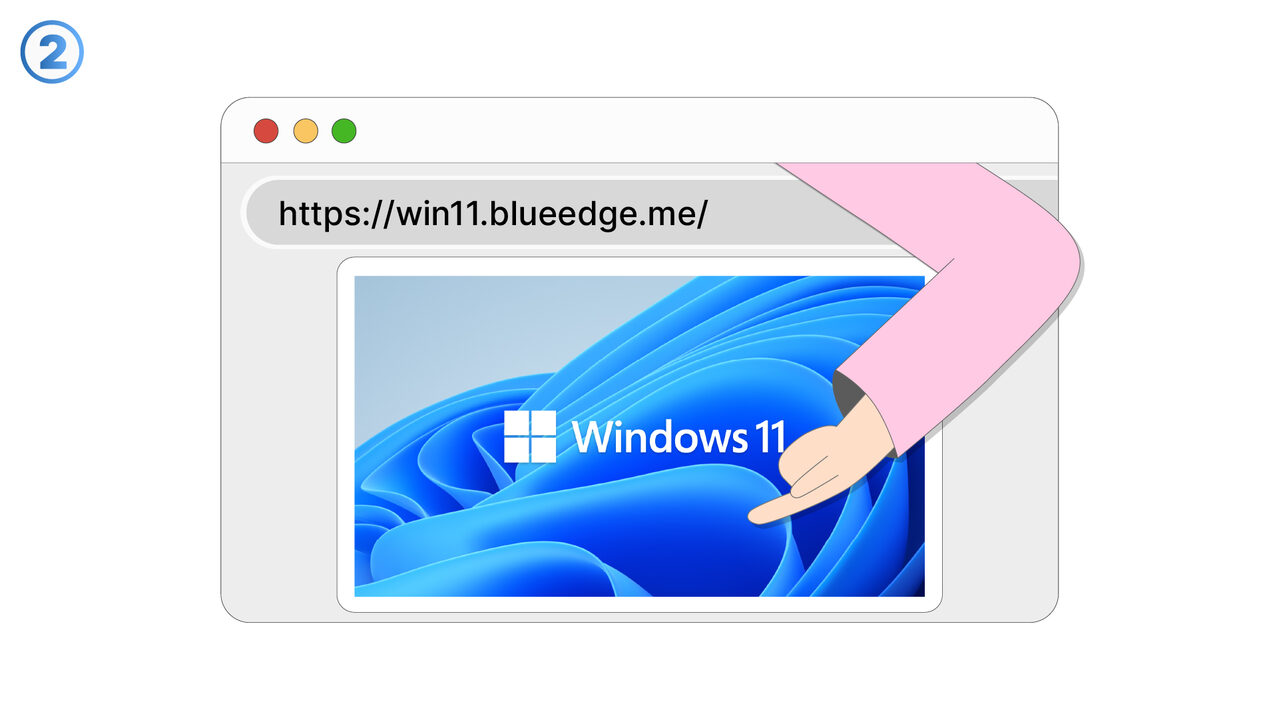
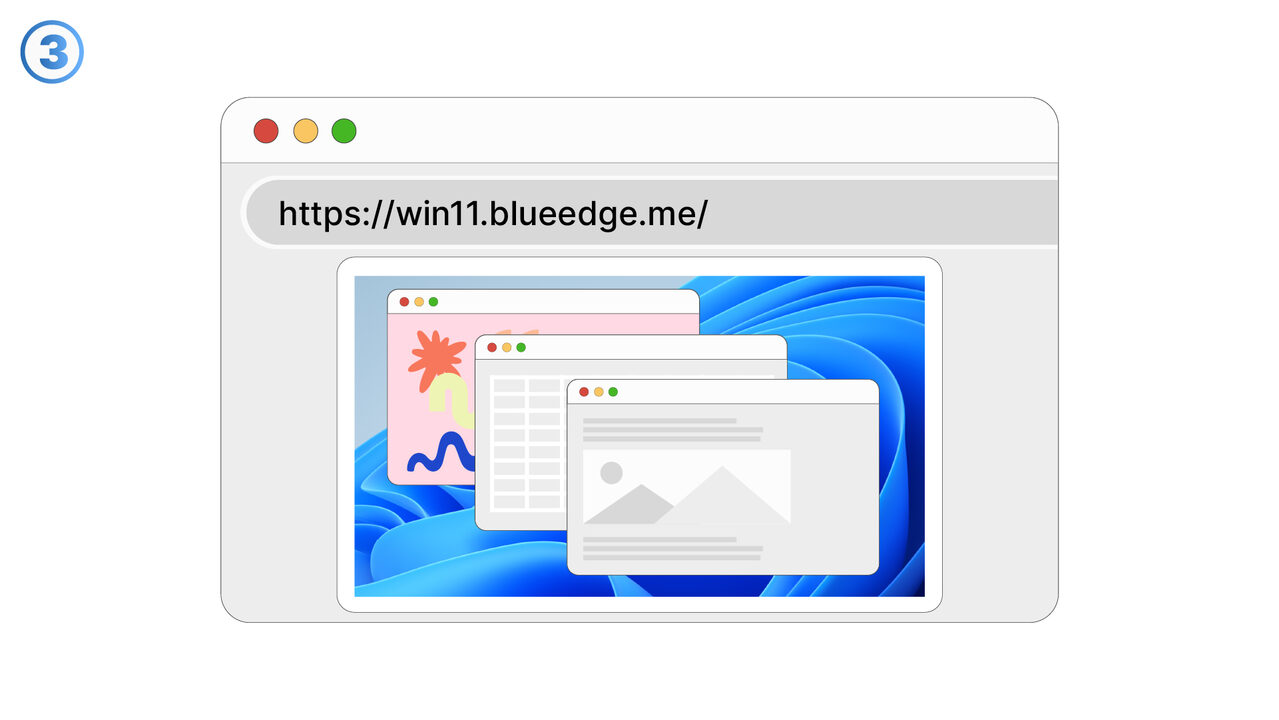
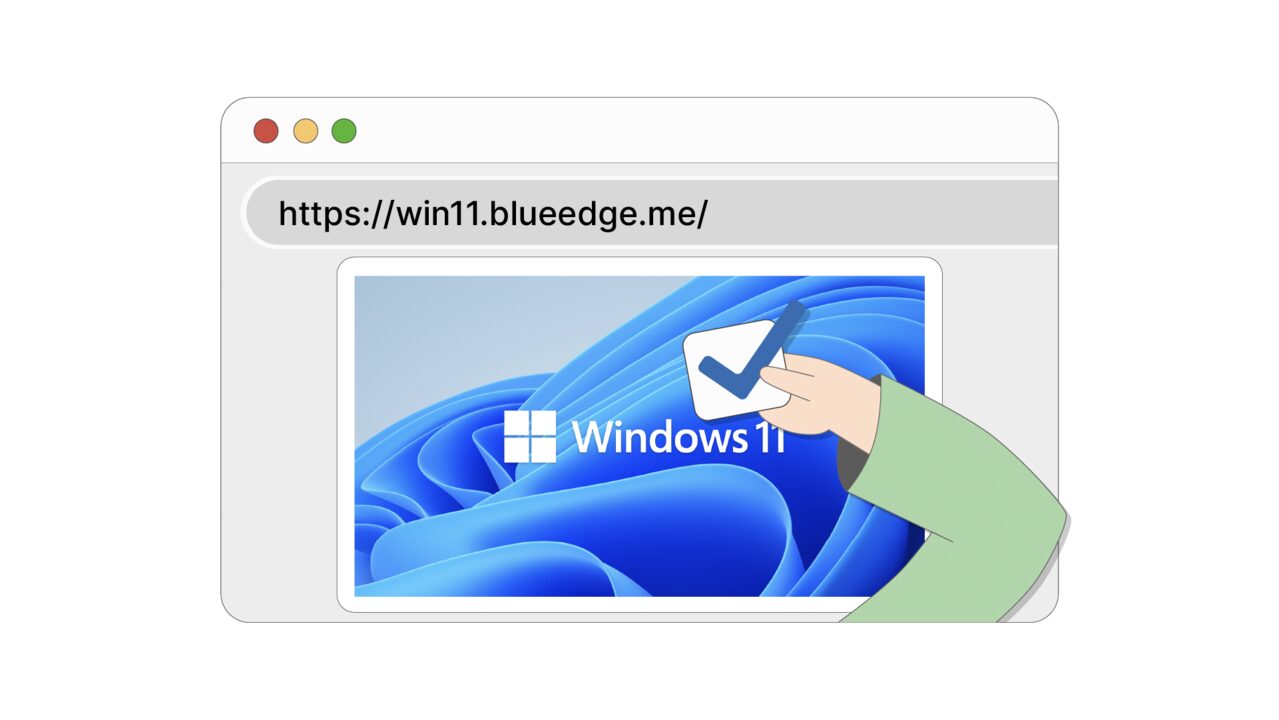

The Solution
The tool "Windows 11 in the Browser" alleviates these concerns for users. It offers the opportunity to get to know and test all the features of Windows 11 without actually having to install the operating system. You can take your time to familiarize yourself with the new user interface, try out the start menu, explore the taskbar, and work with the file explorer. This gives you a realistic impression of the new operating system. If it meets your expectations, you can decide to install it. However, if it's not suitable, you've saved valuable time. The tool is very easy to use, as it runs directly in the browser and does not require any installation.
External Resource
https://win11.blueedge.me/
Use this tool as a solution to the following problems
- I need a way to familiarize myself with the interface of Windows 11 before I install the operating system.
- I have difficulties using the new start menu, the taskbar, and the file explorer of Windows 11.
- I need a simple method to familiarize myself with the functions of Windows 11 without having to install it.
- I want to familiarize myself with the user interface of Windows 11, without having to install it.
- I want to test the features of Windows 11 on my current operating system before I install it.
- I want to familiarize myself with the features of Windows 11 without having to install it immediately.
- I need to familiarize myself with the new features of Windows 11 without installing the software.
- I would like to review the functions of Windows 11, but I don't have a suitable device for it.
- I need a way to test the new Windows 11 interface without having to install it.
Know a better solution? Let us know.
If you know of a tool or approach that could help people solve a problem we haven't covered yet, we'd love to hear about it.